

Keep the meeting in context
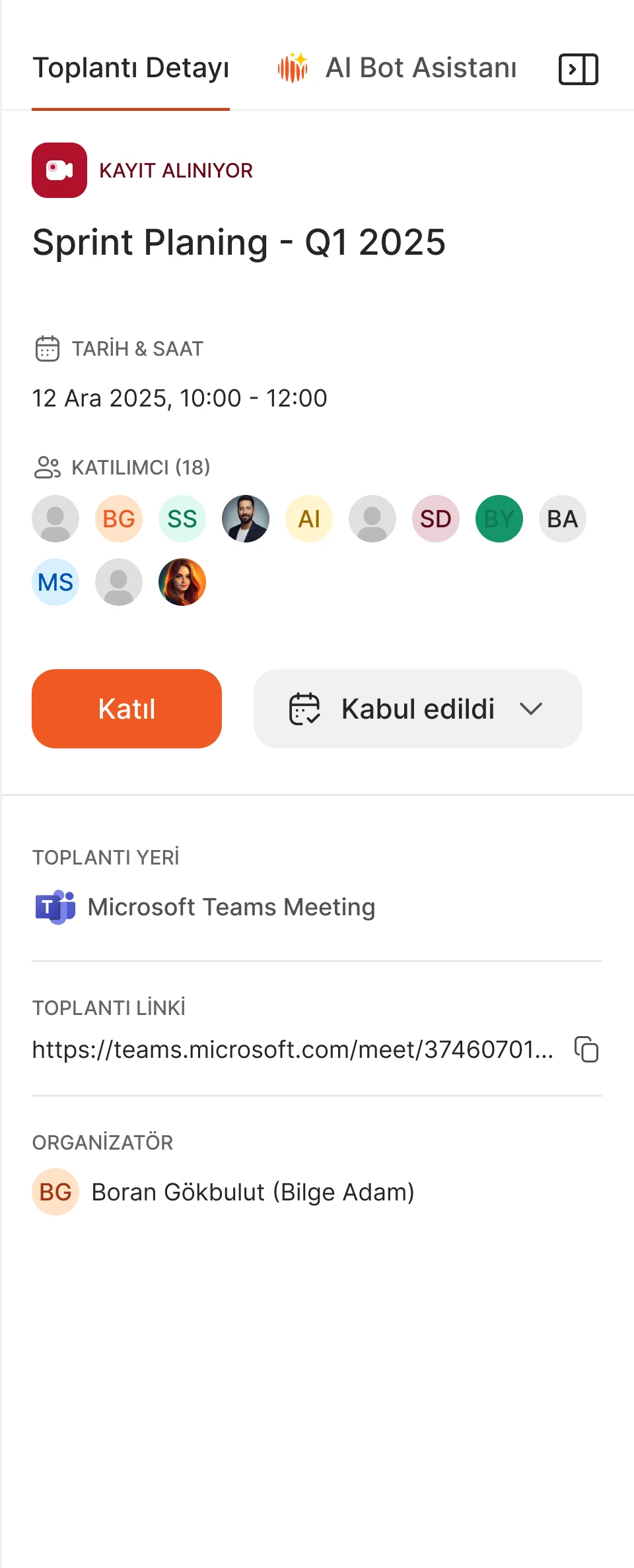
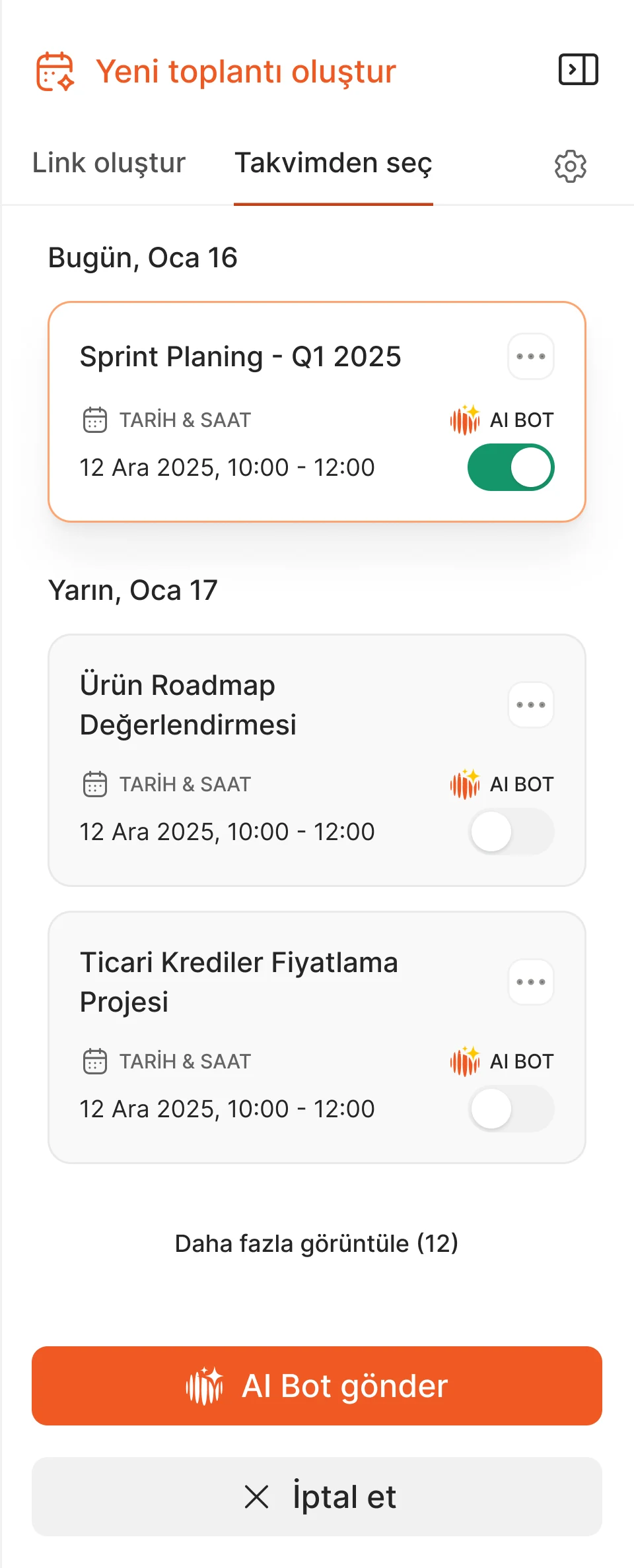
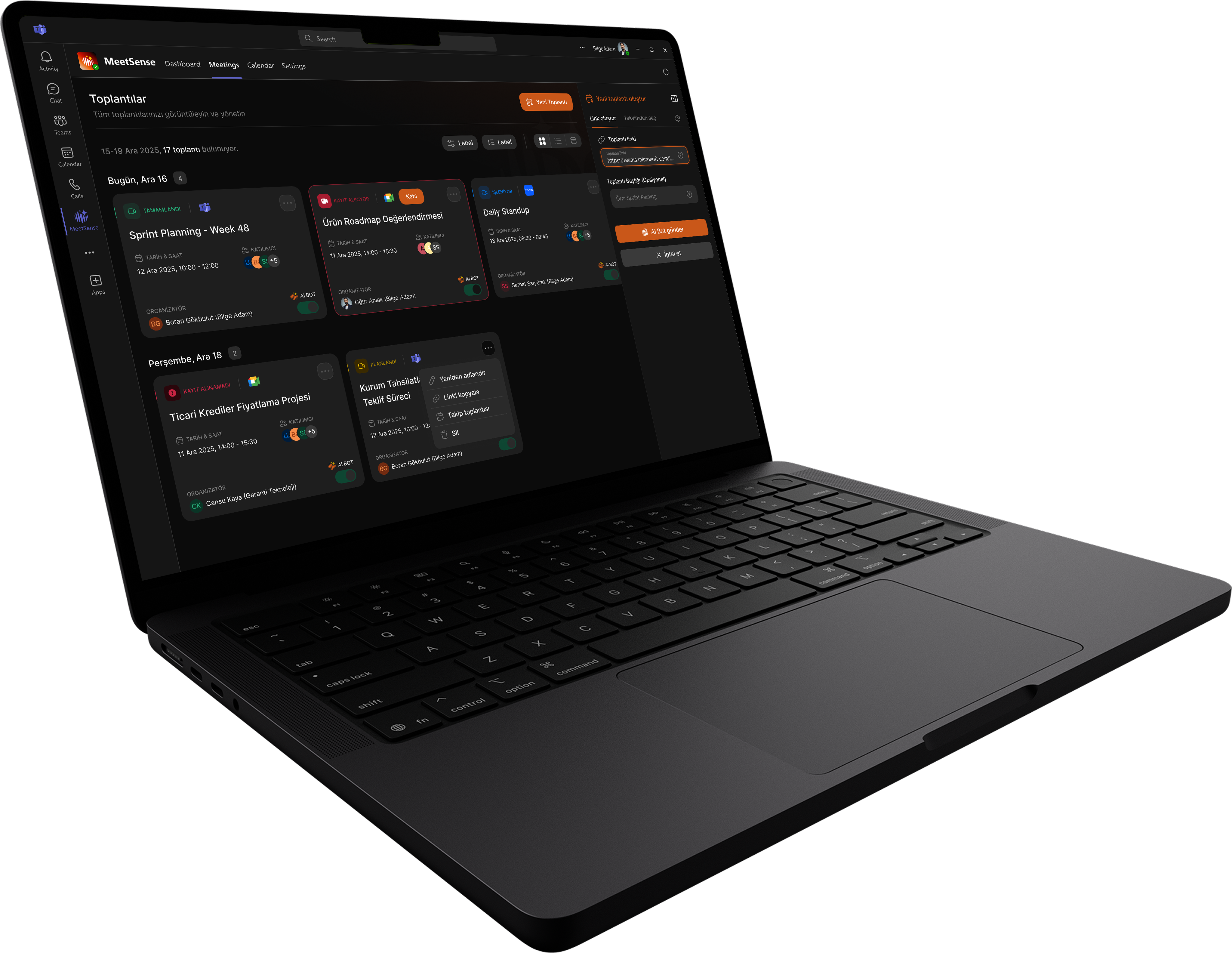
The initial creation flow was complicated. I brought frequent tasks into side panels within the meetings workspace.



AI · Meeting intelligence
' d='M13.5707 6.12115L13.571 10.3638L12.8449 10.3635L12.8449 7.36016L6.87778 13.3273L6.36453 12.8141L12.3317 6.84692L9.3284 6.84692L9.3284 6.12115L13.5707 6.12115Z' fill='%23111214'/%3E%3C/g%3E%3C/svg%3E)
PROJECT OVERVIEW
I took MeetSense from an early prototype to a cohesive product experience, shaping its flows, brand identity and design system for light and dark themes.
THE PROBLEM & MY ROLE
With a packed meeting schedule, notes can be incomplete and decisions and responsibilities can slip through the gaps. Conversations rarely become a useful, accessible body of knowledge over time. Our aim with MeetSense was to use AI to turn meetings into summaries, trackable actions and lasting organizational memory.
I took the early prototype built around this goal into a cohesive product experience, shaping meeting flows, logo and brand identity, and a design system for light and dark themes.
The app ran inside Microsoft Teams through a WebView, helping enterprise teams manage meetings without leaving their workspace, with integrations for Zoom and Google Meet meetings.
RESEARCH & DISCOVERY
I used Otter AI, MeetGeek and tl;dv in my own meetings while reviewing the existing prototype. The observations below became starting points for the experience I designed.
The initial creation flow was complicated. I brought frequent tasks into side panels within the meetings workspace.
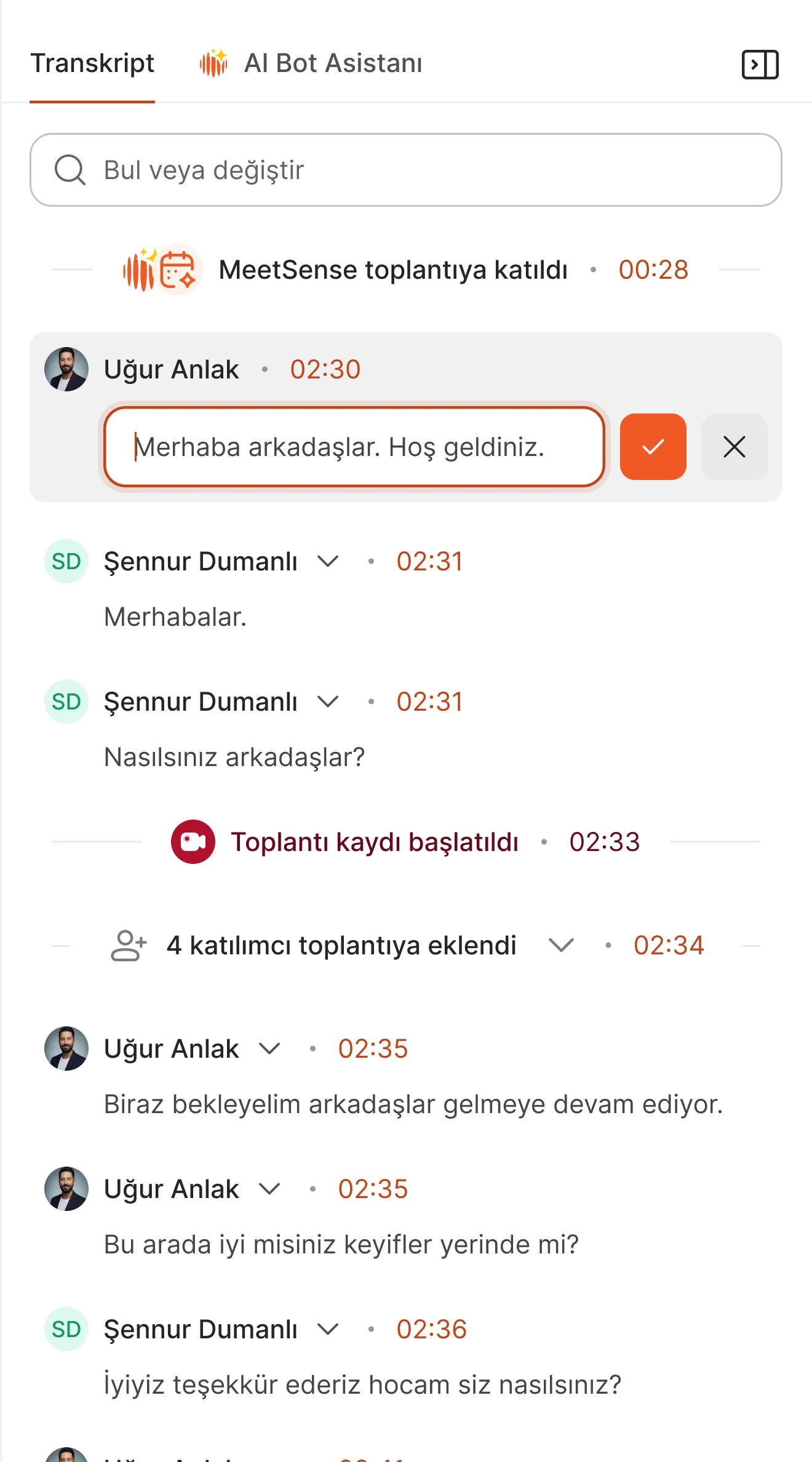
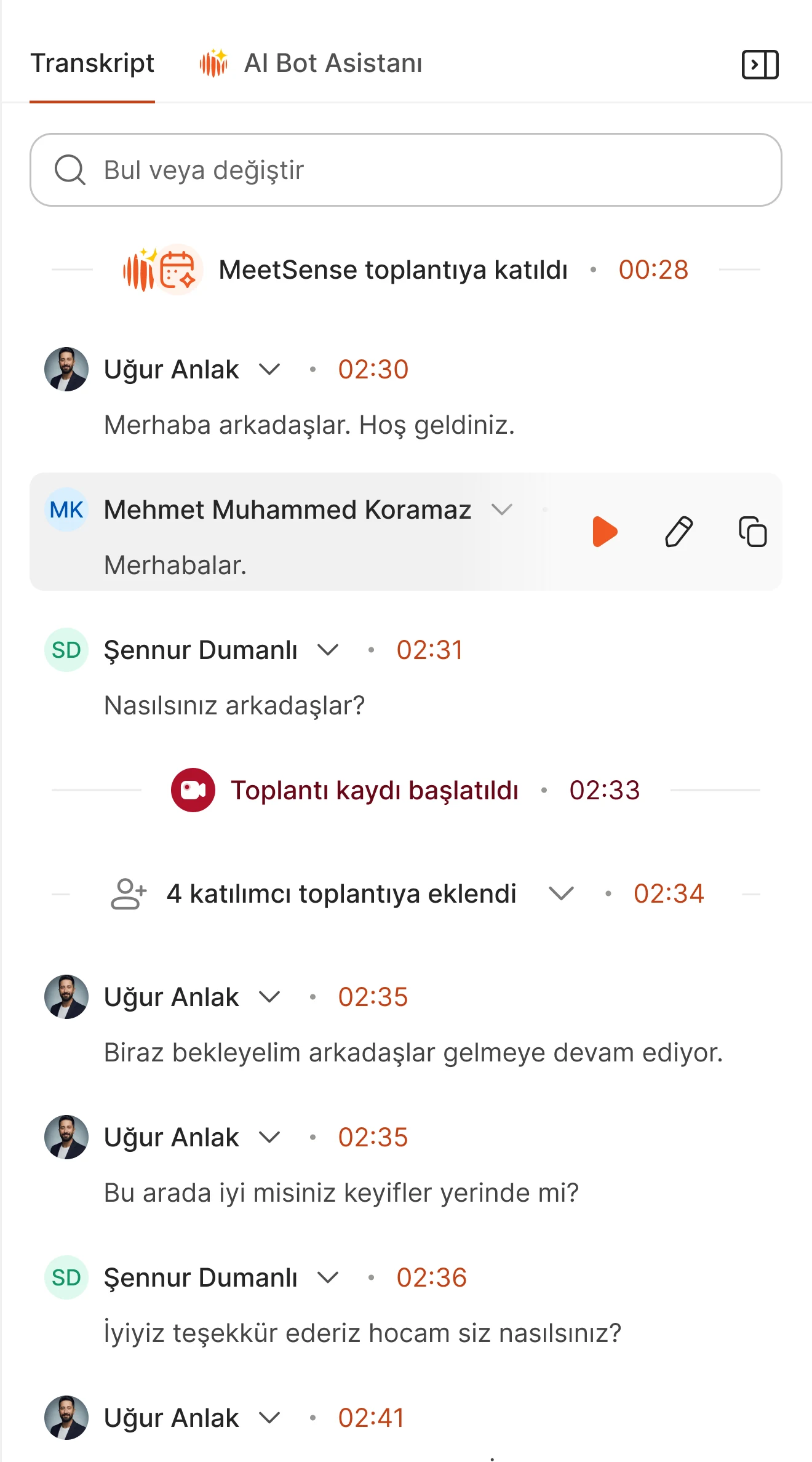
Speaker attribution could be wrong and summaries needed refinement. Review and correction became part of the experience.
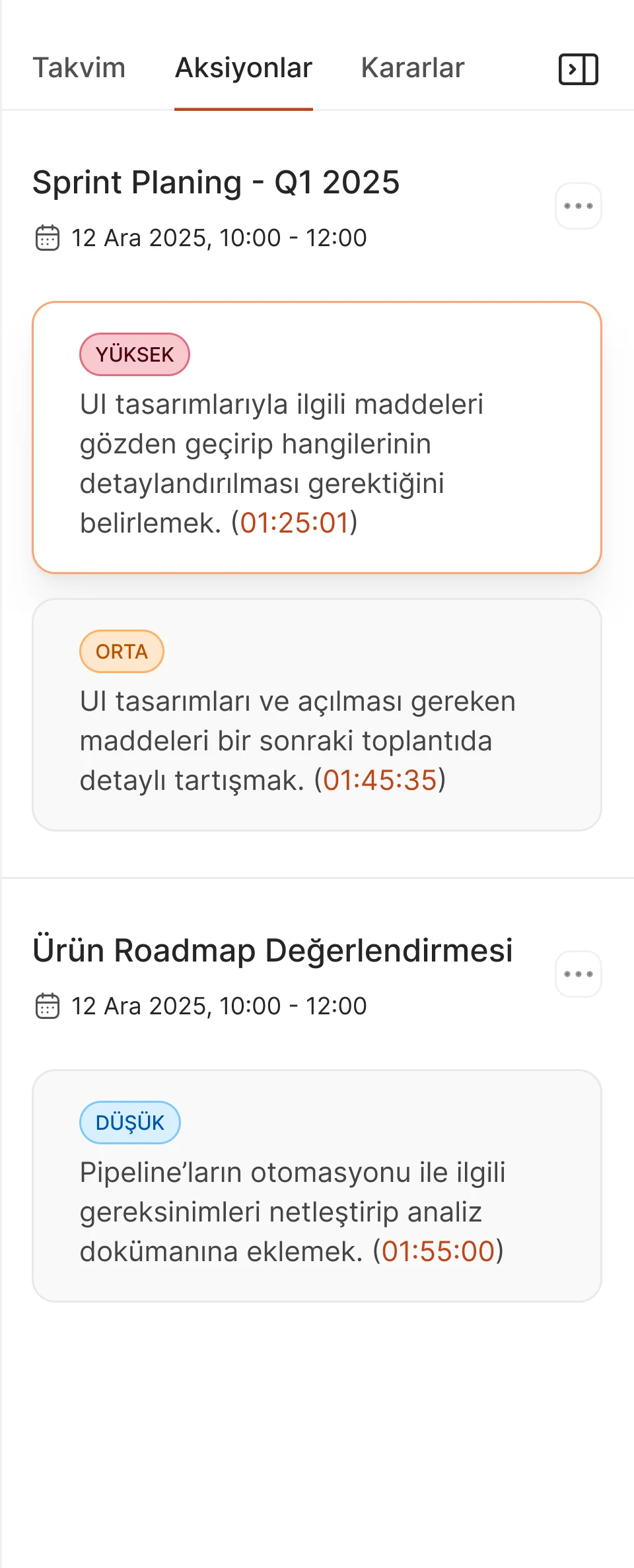
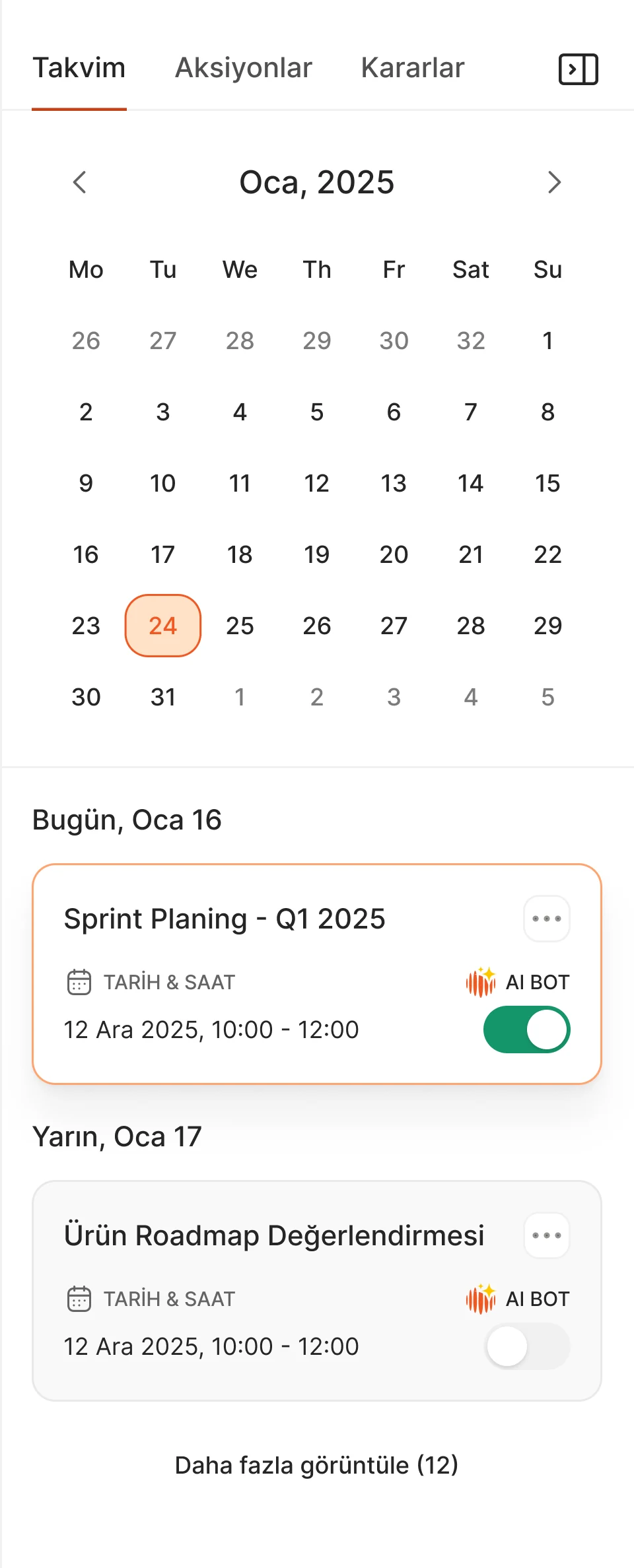
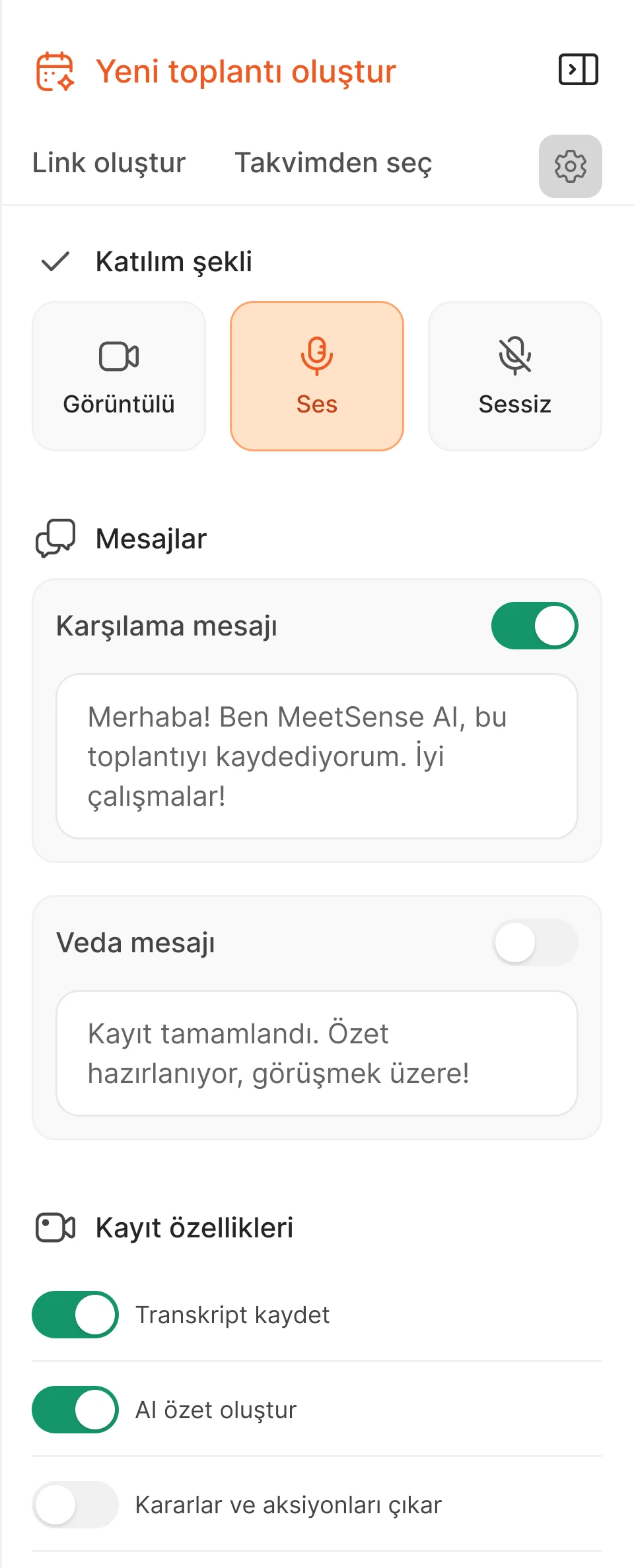
Meeting content felt scattered across the tools I explored. I organized outputs around summaries, decisions, ownership and next steps.
KEY DESIGN DECISIONS
I connected meeting management, assistant controls and usable outputs as parts of the same workflow.
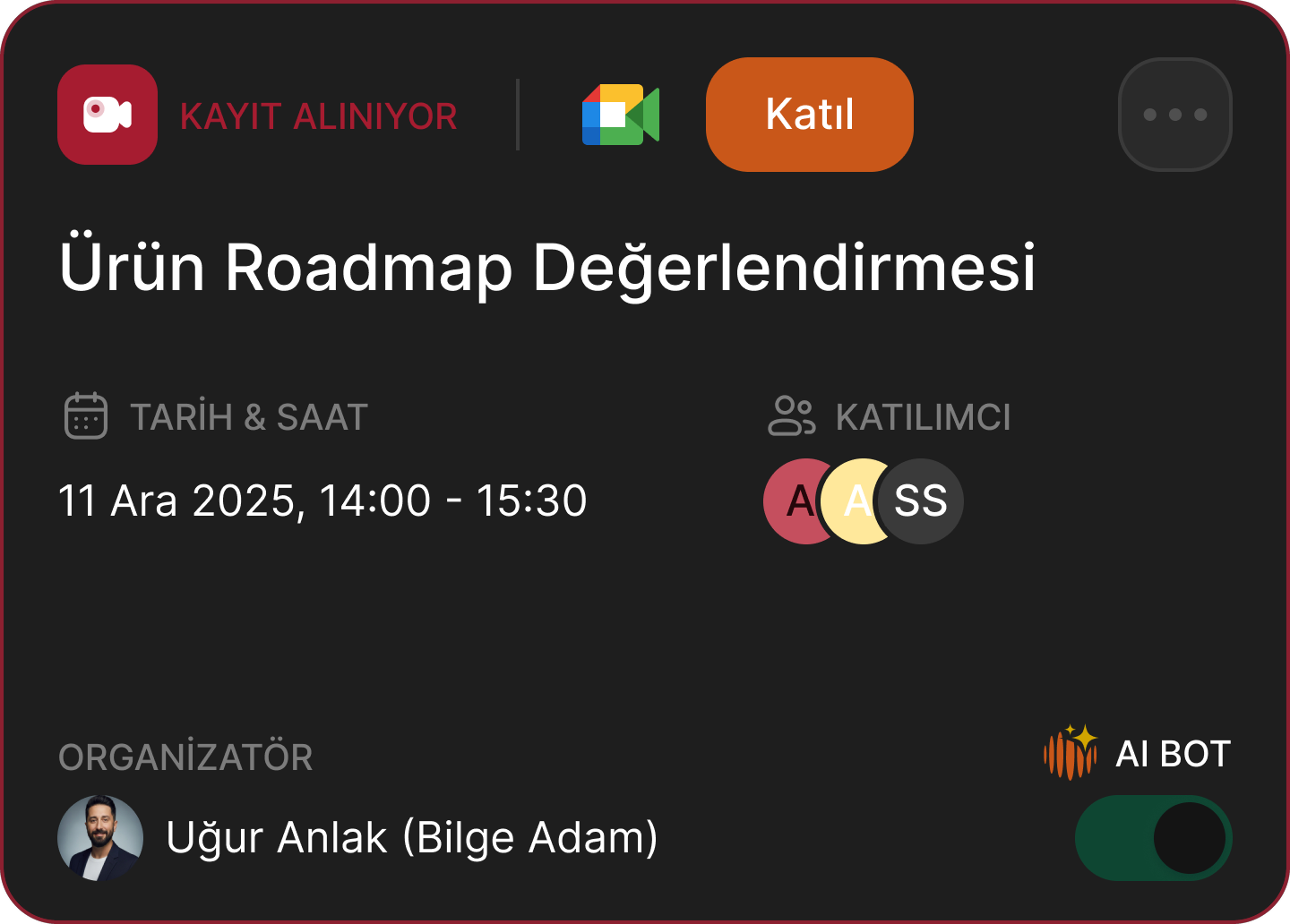
Three meeting views and readable cards made status, participants and bot attendance accessible. Side panels brought creation and details into the same workspace. The dashboard complemented this with upcoming meetings and direct session controls.
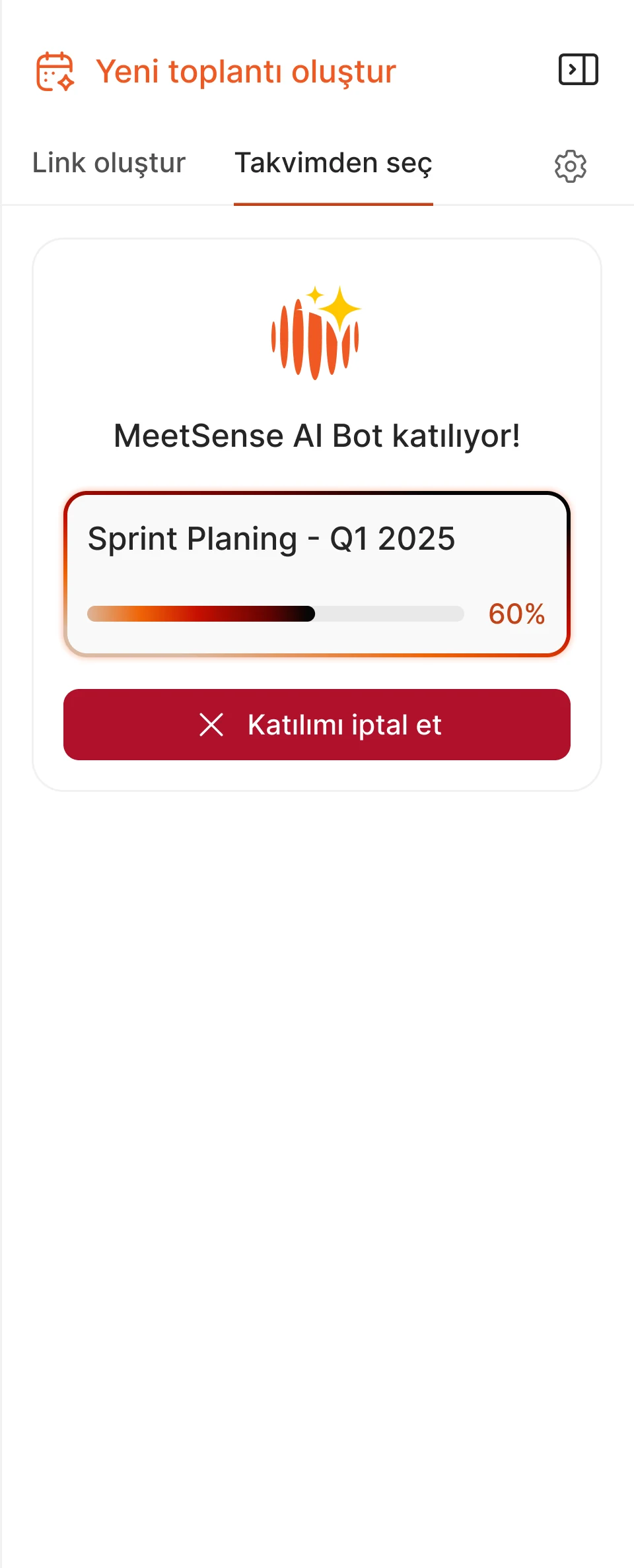
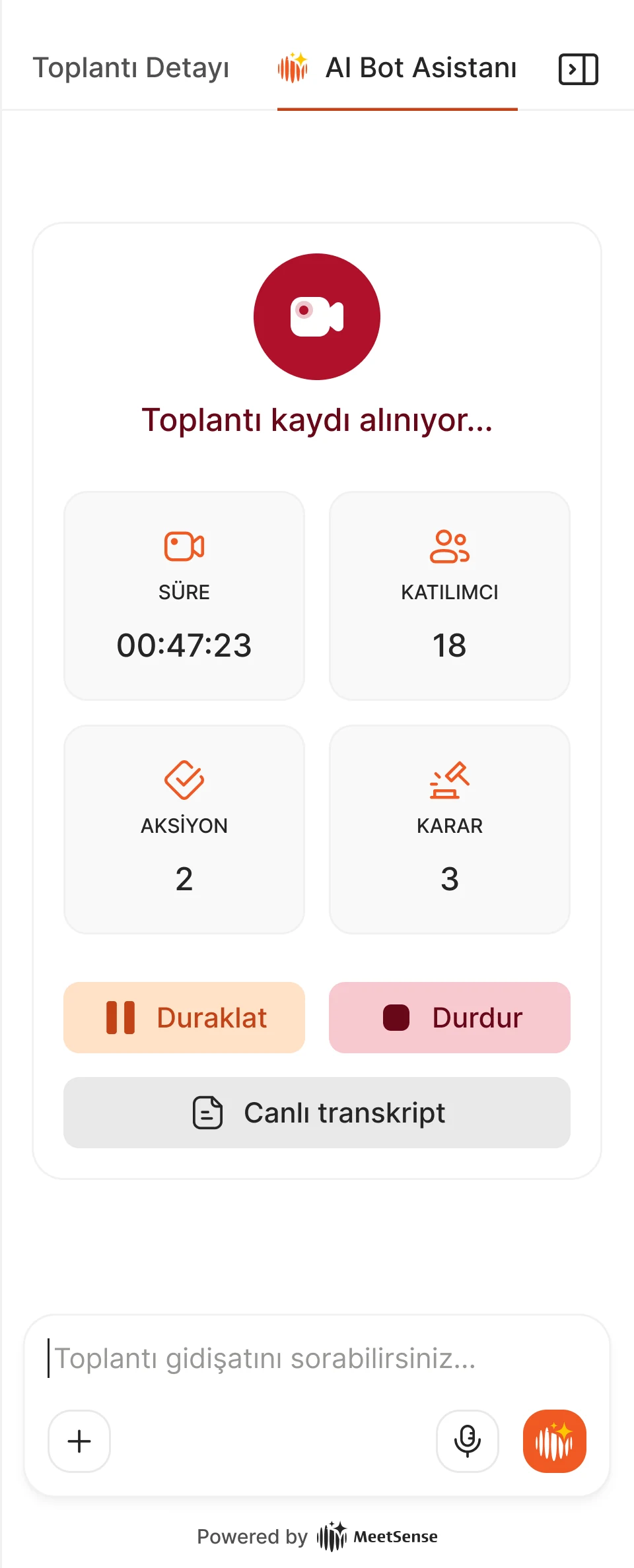
Animated joining progress, cancellation and recording preferences made the bot’s behavior visible. Live transcript, pause and stop controls, and processing feedback carried that clarity through the meeting lifecycle.
During our own meetings, the prototype’s spoken avatar introduction interrupted the conversation. I researched an alternative and designed settings that let people choose a spoken introduction or join without one. For the latter, I used AI to produce distinct short sounds for assistant arrival and recording start, aiming to communicate those states without taking over the conversation.
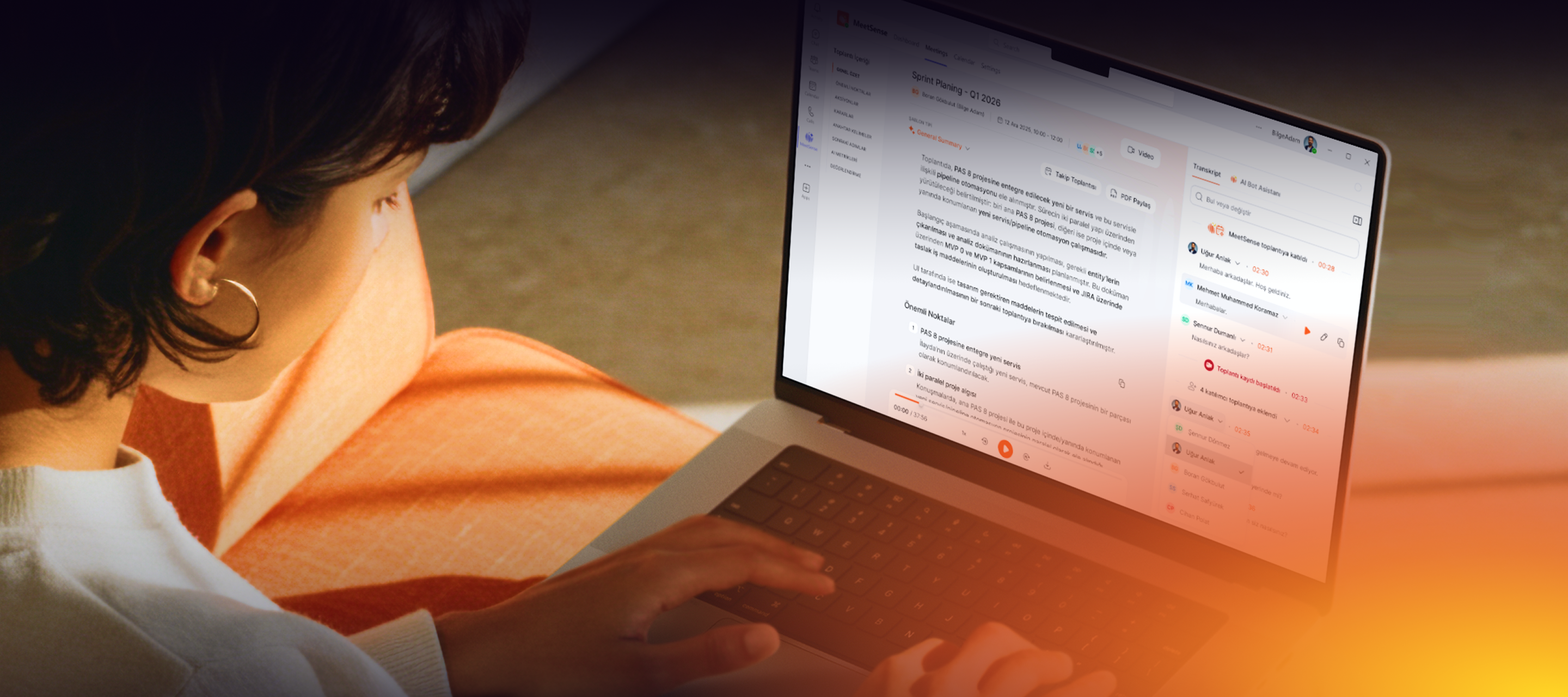
Templates adapted summaries to the meeting type. Editable transcripts and speaker corrections supported review. Structured decisions and assignable actions connected the output to follow-up, with Jira integration turning meeting decisions into tasks. The chatbot enabled questions across current and past meetings, while weekly and monthly insights highlighted recurring topics and risks.
BRANDING & DESIGN SYSTEM
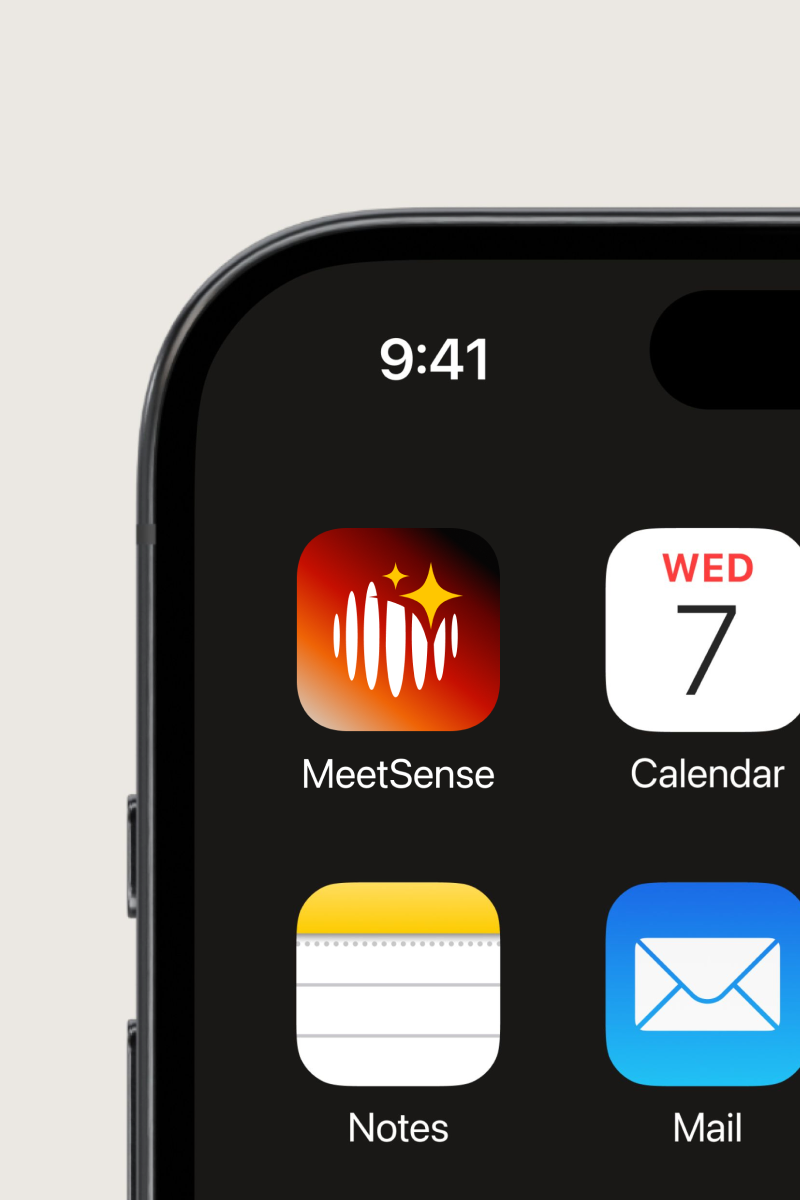
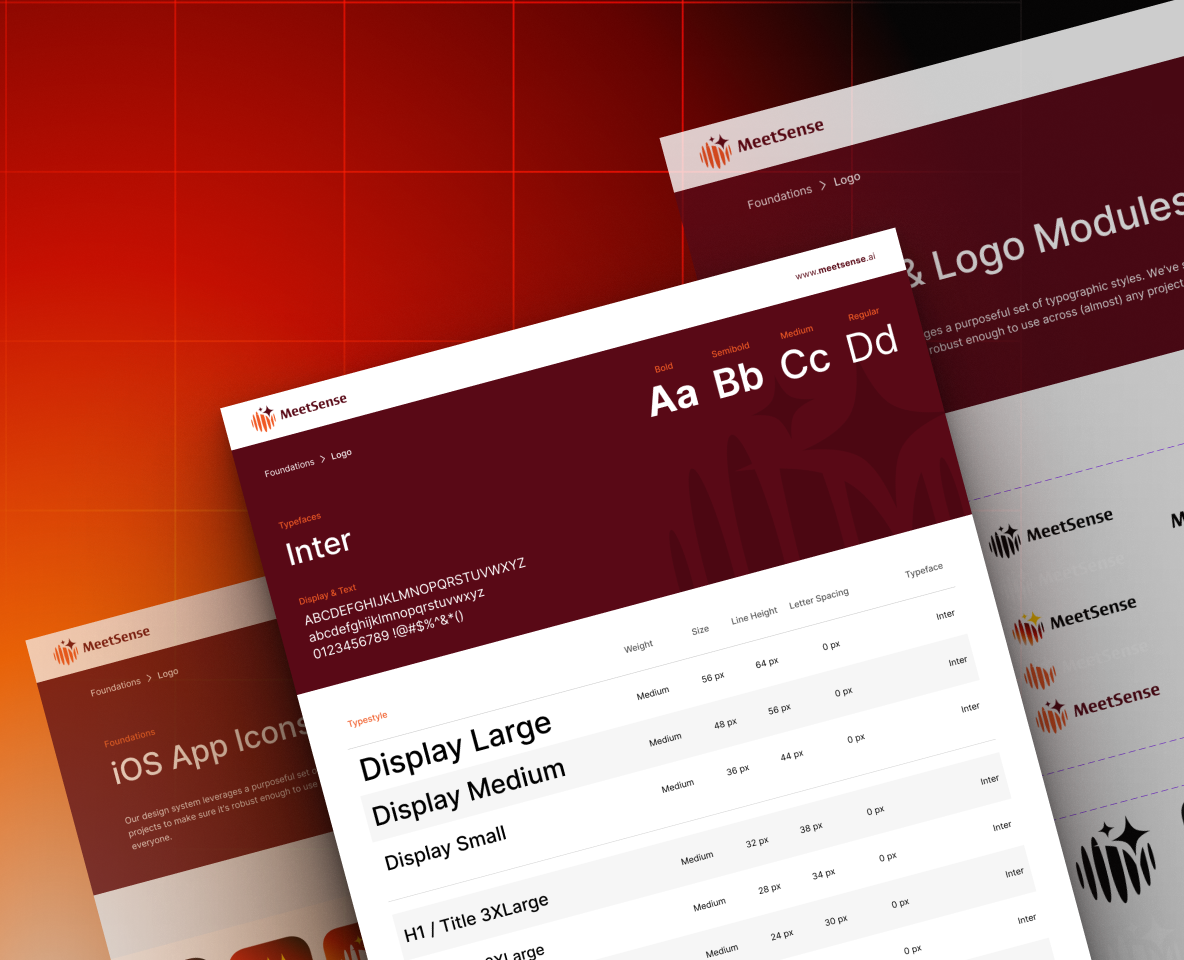
I designed the logo and brand identity alongside the interface, building a shared design system for light and dark themes. Components, status treatments and interaction patterns gave the product a consistent language; micro-interactions, Sound UX and Lottie animations extended it into behavior.
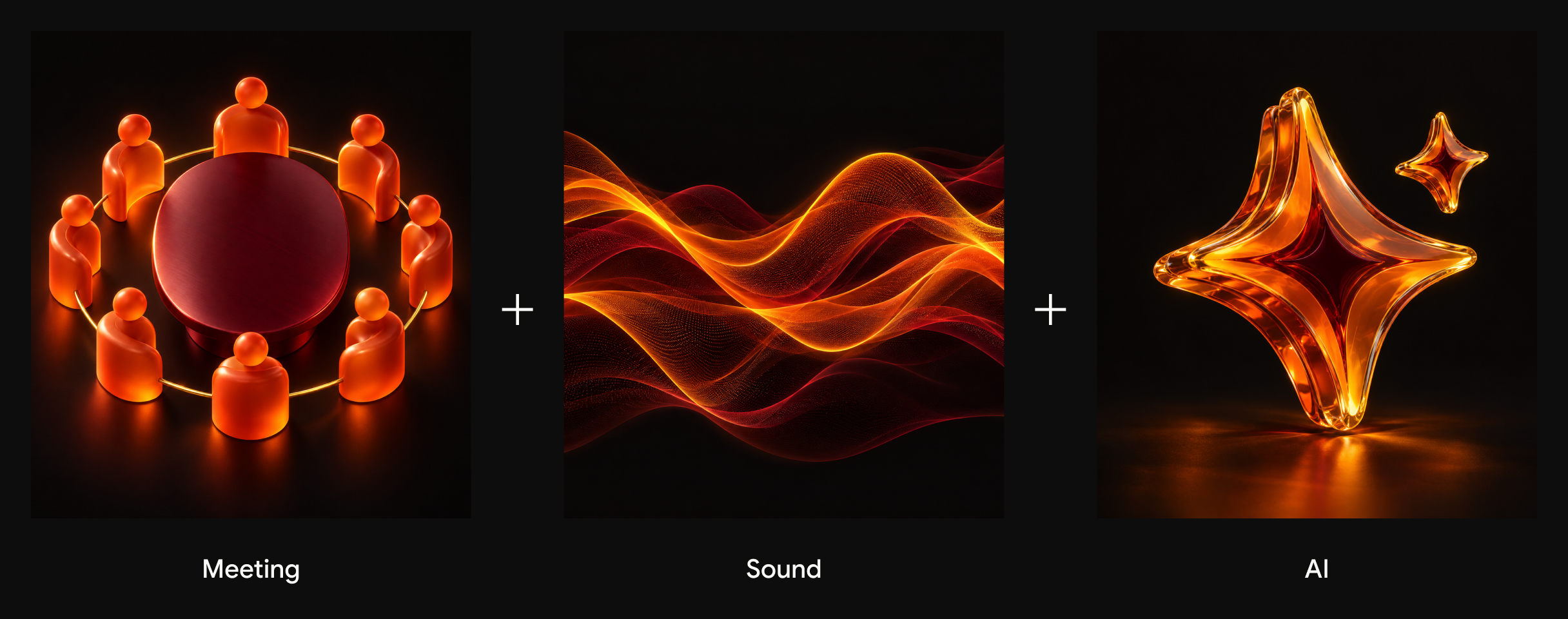
LOGO STORY
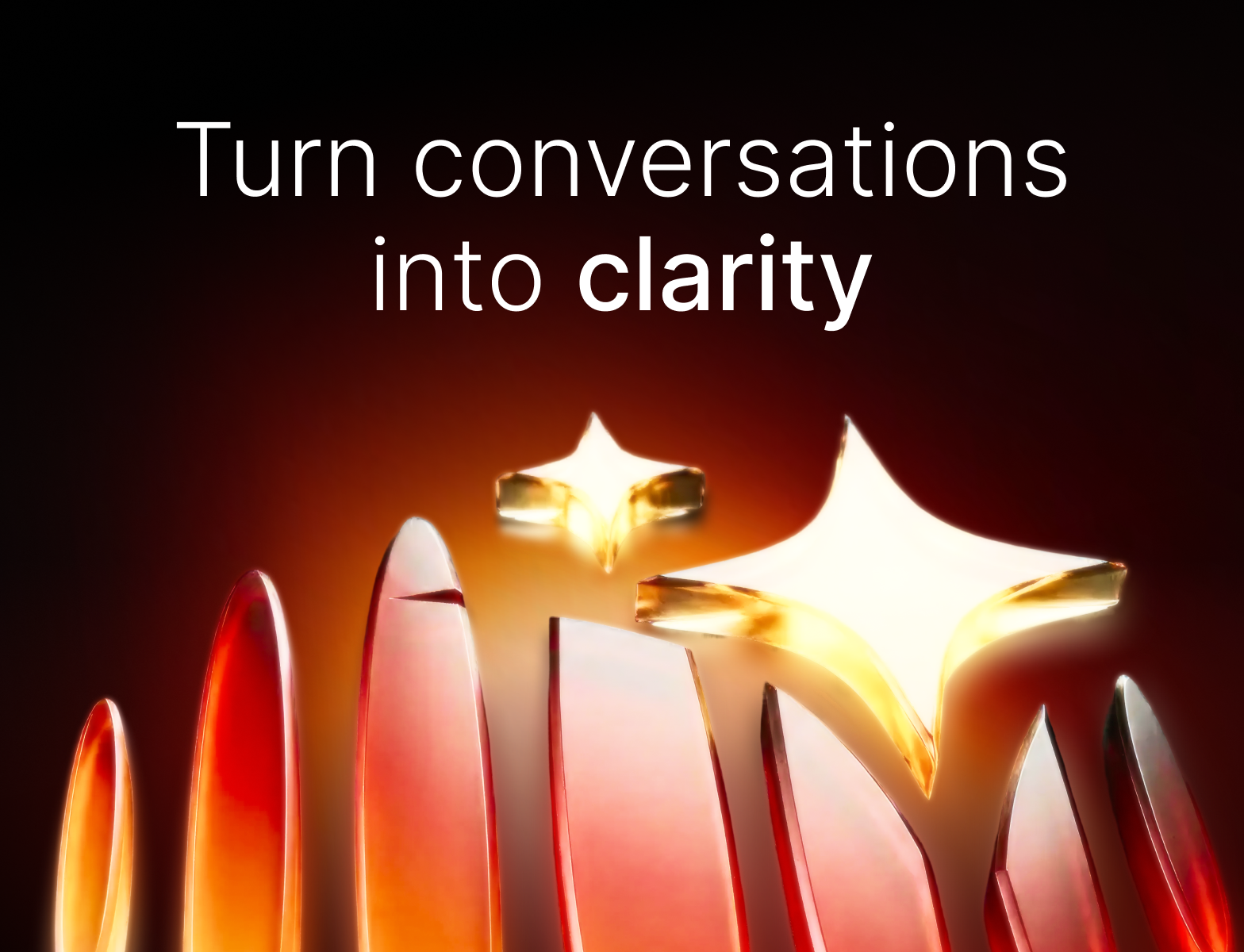
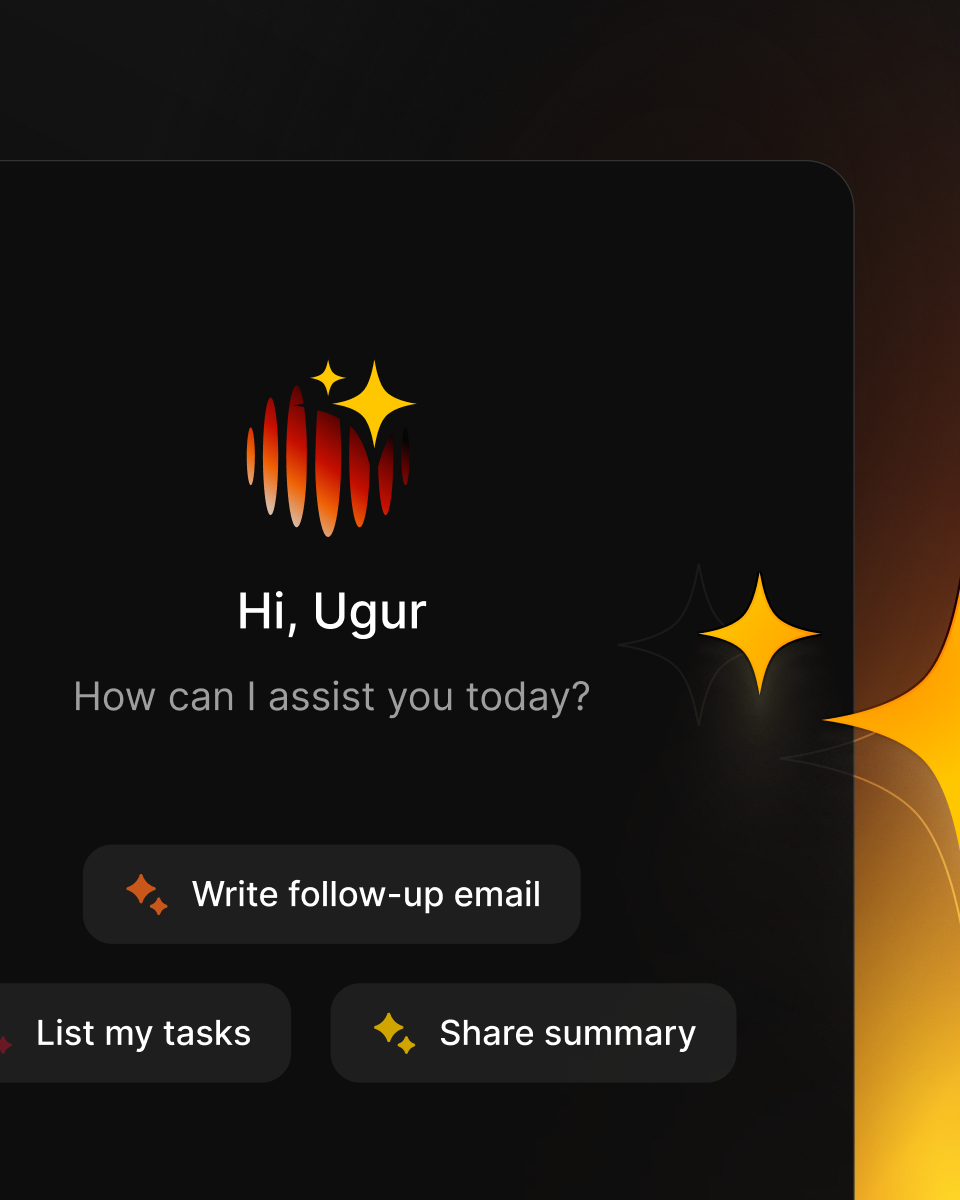
I didn't want just another logo. The MeetSense mark brings three things together: the meeting table where conversations happen, the voices around it, and the AI that listens and turns them into next steps.
OUTCOME
I brought the early prototype into one product language, connecting meeting workflows with brand, interface and interaction design. The work taught me to treat AI output as something people need to inspect, correct and act on.
WHAT I DELIVERED

NEXT CONVERSATION
Open to freelance, contract and full-time work.